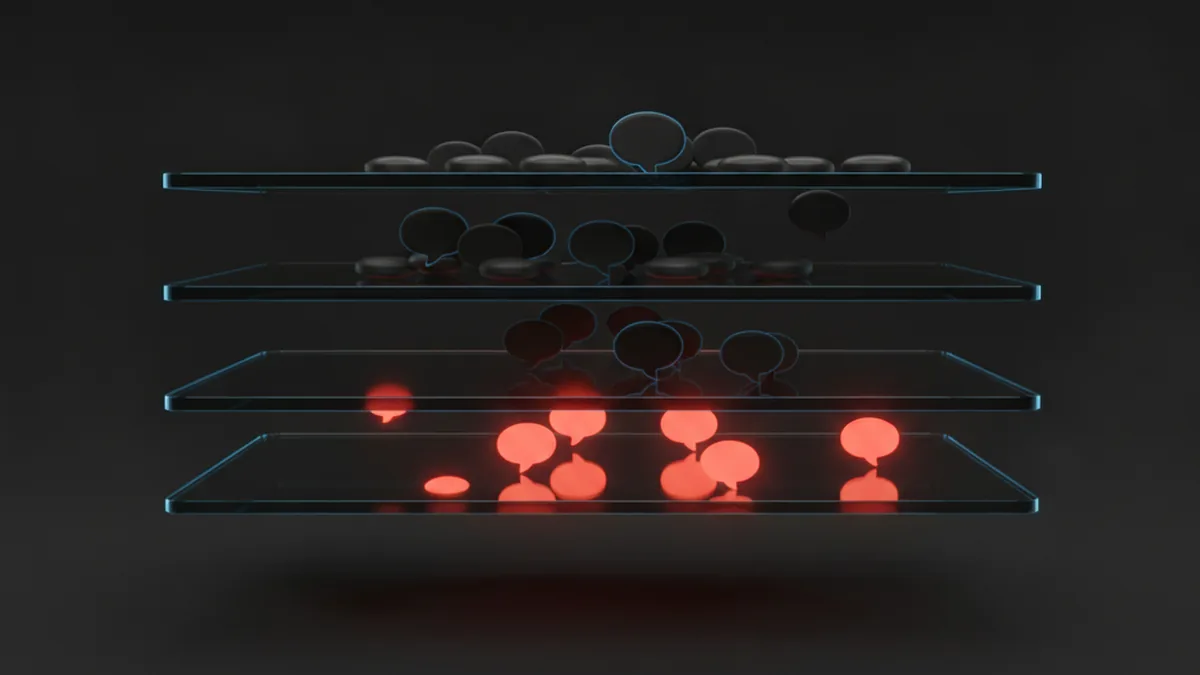
Automation pays off fastest in small teams, because every hour saved is a bigger share of the week. Start with one repetitive task, automate it, measure it, then add the next.
- Small teams feel the time savings most
- Start with follow-ups, not complex journeys
- Clean data matters more than clever workflows
For years, marketing automation had a reputation. It was software for companies with a marketing operations team, a six-figure budget and a consultant on retainer. If you ran a ten-person business, you sent emails by hand, kept leads in a spreadsheet and hoped nobody slipped through the cracks.
That picture is out of date. The tools have become simpler, cheaper and faster to set up. More importantly, the problems automation solves are not enterprise problems. They are the problems of any business that talks to more people than it can remember.
Why small teams benefit the most
A large company that saves five hours a week has saved a rounding error. A three-person team that saves five hours a week has gained most of a working day. The maths favours the small business.
There is a second reason. In a small company, the person sending the follow-up email is often the same person closing the deal, answering support tickets and doing the books. Context switching is expensive. Every task you hand to a workflow is one less interruption.
Finally, small businesses live on relationships. A customer who feels remembered comes back. Automation, used well, is how a small team remembers everyone without keeping it all in their heads.
What automation actually means here
Forget the diagrams with forty branches. For a small business, marketing automation usually means a handful of rules that run in the background:
- When someone signs up, send a welcome email and create a contact record.
- When a lead has not replied in seven days, remind the owner to follow up.
- When a customer has not bought in ninety days, send a check-in.
- When a form is submitted, tag the contact by interest and notify the right person.
Each rule has a trigger, a condition and an action. That is the whole model. If you can describe a task in one sentence that starts with when, you can probably automate it.
Common objections, answered
"We don't have enough contacts." You do not need thousands. If you have more leads than you can follow up personally within a day, you have enough. Even fifty open conversations is too many to track by memory.
"It will feel robotic." Only if you write robotic messages. Automation decides when to send something. You still decide what it says. Short, plain emails written in your own voice read as personal, because they are.
"We don't have time to set it up." A simple welcome sequence takes an afternoon. It then runs every day for years. That trade is hard to beat.
"It's too expensive." Many CRMs now include basic automation in their standard plans. The real cost is not the licence. It is the leads you lose while doing everything by hand.
A realistic example
Take a small design agency that gets around 40 enquiries a month through its website. Before automation, the founder replies when she can. Some leads hear back in an hour, some in four days. A few never hear back at all.
After automation, every enquiry gets an instant acknowledgement with a link to book a call. The lead is created in the CRM, tagged by service, and assigned. If nobody books within three days, a reminder lands in the founder's task list. If the lead books, a short prep email goes out the day before the call.
None of this is complicated. Suppose it moves the booking rate from one in four to one in three. On 40 enquiries, that is roughly three extra conversations a month. For a small agency, three conversations can be the difference between a quiet quarter and a full one. The numbers here are illustrative, but the mechanism is the point: speed and consistency convert better than good intentions.
| Task | By hand | Automated |
|---|---|---|
| Reply to new enquiry | Hours to days | Seconds |
| Log lead in CRM | Often skipped | Every time |
| Follow up silent leads | When remembered | On a fixed schedule |
| Pre-call reminder | Rarely | Always |
Where to start
Do not try to automate your whole funnel in week one. Pick the single task that is most repetitive and most often forgotten. For most small businesses, that is the first follow-up after an enquiry.
- Write down the task as a when / if / then sentence.
- Write the message you would send by hand. Keep it under 120 words.
- Build the workflow and test it on yourself.
- Let it run for two weeks, then check replies and bookings.
- Adjust the copy or timing, then pick the next task.
when a new lead arrives, send welcome email and assign to me, and it drafts the workflow for you to review.What to leave manual
Not everything should be automated. Pricing conversations, complaints, renewals with a long history and anything that needs judgement belong with a person. A good rule: automate the reminder, not the relationship. Let the system tell you a key customer has gone quiet, then pick up the phone yourself.
The same applies to tone. An automated message can confirm, remind, share and invite. It should not apologise for a mistake, negotiate or deliver bad news. Those moments carry weight because a human chose to send them.
If you are unsure whether a task should be automated, ask how the customer would feel if they found out. A booking confirmation sent by software is expected. A condolence note sent by software is not.
Keep the data clean
Automation amplifies whatever is in your database. If contacts are duplicated, emails are misspelt and nobody knows which leads are customers, your workflows will send the wrong message to the wrong person, faster.
Before you switch anything on, spend an hour merging duplicates, removing obvious junk and agreeing on a few simple fields: lifecycle stage, source and owner. That hour will save you embarrassment later.
Measure what matters
Open rates are interesting. Revenue is better. For each workflow, pick one number that tells you if it works: replies, booked calls, repeat orders. Look at it monthly. If a workflow is not moving its number after a couple of months, change it or switch it off.
A small dashboard with four or five of these numbers beats a wall of charts nobody reads.
The bottom line
Marketing automation is not about looking like a big company. It is about giving a small team the consistency of one. Start small, keep your messages human, keep your data tidy, and let the software handle the remembering.
Automation decides when. You decide what. That division of labour is what makes it work for small teams.
Questions
How many contacts do I need before automation is worth it?
There is no hard minimum. If you regularly have more open conversations than you can follow up within a day, a few simple workflows will already save time and lost leads.
Will automated emails hurt my personal relationships with customers?
Not if you write them in your own voice and keep them short. Automation controls timing. The content can be as personal as anything you would type by hand.
What is the first workflow a small business should build?
An instant reply to new enquiries, combined with a reminder to follow up if the lead goes quiet. It is quick to set up and directly affects how many enquiries turn into conversations.