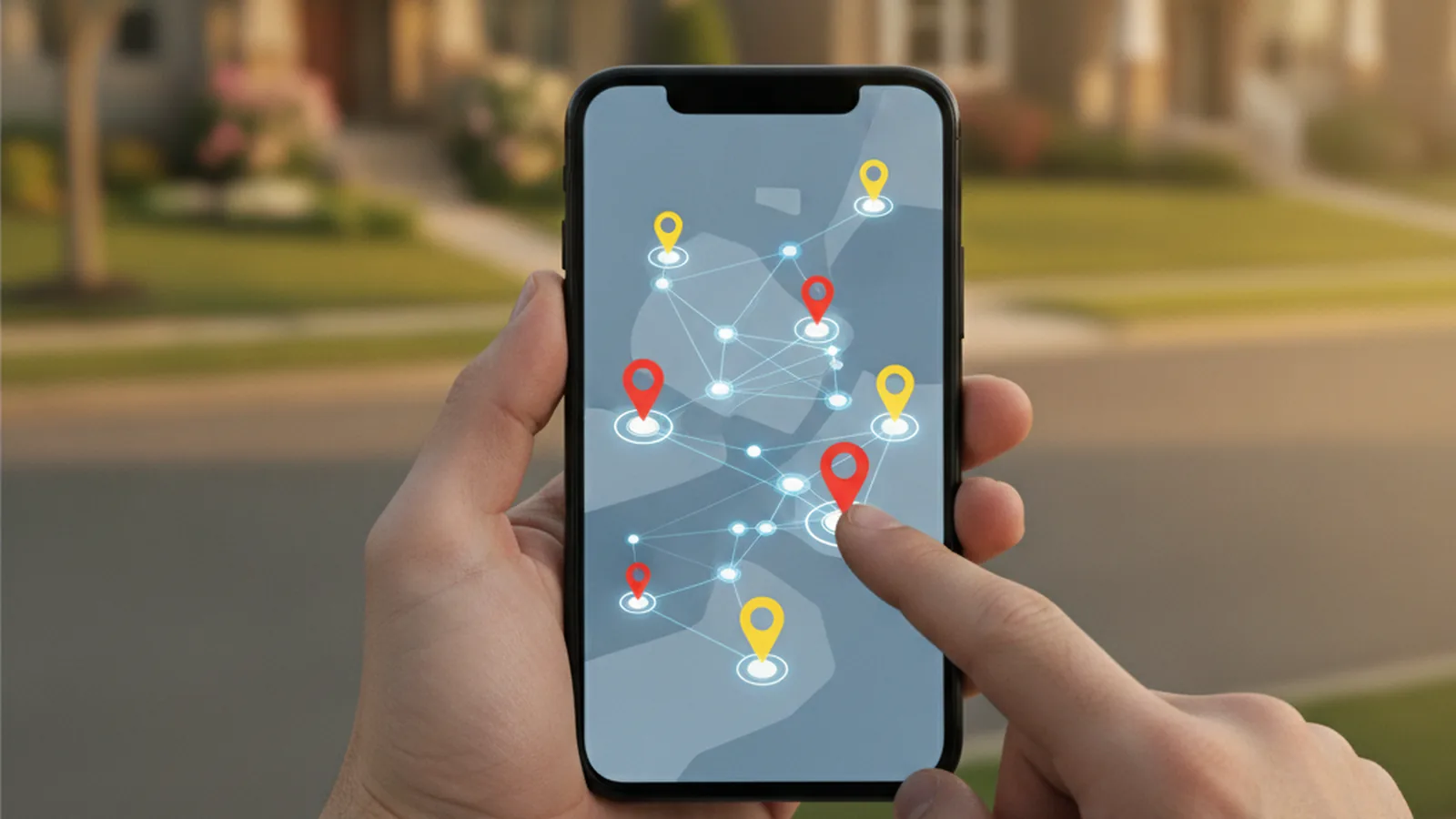
A door-to-door sales app replaces the clipboard and the paper turf map with a phone app that shows every house, logs what happened at each door in two taps, plans the route and sends leads straight into your CRM. The right one is the app your reps will actually use on a porch, in the sun, with a weak signal.
- Six features matter daily: map, door status, routes, offline mode, fast logging, reporting
- Offline mode and CRM sync decide whether your data is trustworthy
- Buy first; build a custom app only when the field workflow does not fit any product
Door-to-door selling still runs on a simple loop: knock, talk, record, move on. The trouble starts with the third step. A rep who knocks on 80 doors in an afternoon cannot remember which ones were “come back Thursday”, which were “not interested” and which had a dog. Paper lists get lost, spreadsheets are edited in the evening from memory, and managers end up sending two reps to the same street while another neighbourhood sits untouched.
A door-to-door sales app fixes that loop. For most teams a ready-made product is the right start. For companies with unusual field steps, such as on-site measurements, contract signing with ID checks or installation scheduling, a branded app often works better, and reps on both iPhone and Android can be covered by one codebase through cross-platform Flutter development instead of two separate builds. This guide covers both routes.
Below: what a D2D app does, the features that matter at the door, how offline sync and CRM integration should work, a comparison of app types, a selection checklist, the compliance points to settle before launch and a 30-day rollout plan.
What is a door-to-door sales app?
A door-to-door (D2D) sales app is mobile software for field reps who sell in person at homes or small businesses. It is also called a canvassing app or door-knocking software. At its core it is a map of a territory where every address is a record, plus a fast way to set the outcome of each visit.
Industries that rely on it include solar, roofing and home improvement, pest control, home security, telecom and internet, lawn care, energy retail, insurance and real estate prospecting. The common thread is volume: dozens of short conversations a day, most of which end without a sale, and a few that need careful follow-up.
A D2D app is not a replacement for a CRM. Think of it as the field front end. It captures the raw activity (knocks, conversations, appointments) and passes qualified leads and deals to the CRM database, where quoting, follow-up emails and reporting live.
Why do D2D teams need an app instead of paper?
The case is about lost information and wasted walking. Every unrecorded “come back later” is a lead given away, and every street knocked twice is an hour of selling time gone.
- No more double-knocking. Shared door statuses mean a rep can see a house was already visited yesterday, and by whom.
- Faster follow-up. Callbacks become reminders with a time and an address, not a scribble on a printed list.
- Better routes. Planned routes cut walking and driving between clusters of good doors.
- Real coaching data. Managers see knocks, conversations, appointments and sales per rep and per hour, so coaching targets the real weak step.
- Clean hand-off. Appointments set at the door land in the closer’s calendar and the CRM in seconds.
Salesforce’s State of Sales research keeps finding that reps spend most of their week on work other than selling. For a D2D team, the evening catch-up on paper notes is exactly that kind of work, and it is the easiest to remove.
Which features does a door-to-door sales app need?
Vendor feature pages list dozens of items. In the field, six do most of the work. Test these first, on a real phone, outside.
| Feature | Why it matters at the door | How to test it |
|---|---|---|
| Territory map with every address | Reps need to see houses, not just pins for existing leads | Open a new street and check every house appears as a tappable record |
| Door status (disposition) in two taps | The action a rep repeats 50–100 times a day | Mark “not home”, “not interested”, “callback” with one thumb |
| Route planning | Turns a list of callbacks into a walkable order | Plan a route through ten callbacks and compare with Google Maps |
| Offline mode | Rural turf, new estates and thick walls kill the signal | Airplane mode, log five doors, reconnect, check the manager view |
| Lead and appointment capture | The moment a door turns into revenue | Create a lead with name, phone, notes and an appointment slot in under a minute |
| Team reporting and leaderboards | Shows activity per rep, per hour and per area | Check whether today’s knocks appear in the dashboard without manual export |
Beyond the core six, the extras that pay off most often are: territory assignment with drawn boundaries, a do-not-knock flag that every rep sees, GPS check-in to verify visits, in-app quotes or e-signature for teams that close at the door, and voice notes. Lead data enrichment, such as homeowner status or roof age, is valuable in solar and roofing but is usually a paid add-on.
How should offline mode and CRM sync work?
Offline mode is the feature most often promised and least often tested. There are two very different things vendors call offline:
- Read-only cache. The map and recent records are visible, but you cannot set a door status without a connection. That is not enough for canvassing.
- Offline-first. The app keeps the assigned territory on the device, lets reps log everything, queues the changes and syncs when the signal returns.
Offline-first is what D2D teams need. It brings one hard question: what happens when two reps mark the same door while one of them is offline? Ask every vendor. A sensible answer is that the latest status wins for simple dispositions, while leads and appointments are never overwritten silently and get flagged for a manager.
The second half is CRM sync. Decide in advance which events travel to the CRM. Most teams do not want every “not home” knock in the CRM; it clutters the database. A common split:
- Stays in the D2D app: knocks, not-home and not-interested dispositions, route history.
- Goes to the CRM: new leads with contact details, appointments, signed contracts, callbacks with a date.
- Comes back from the CRM: deal stage changes and do-not-contact flags, so reps never knock on a door that has opted out or already bought.
Check whether the vendor offers a native connector for your CRM or only a generic webhook or Zapier route. Our CRM integration guide covers how to map fields and avoid duplicates when several tools feed one CRM.
Which type of D2D app fits your team?
Door-knocking tools fall into four groups. The right one depends on team size, how complex the sale is and how much of the process happens at the door.
| Dedicated D2D platform | Field sales / route planner | CRM mobile app | Custom app on your CRM API | |
|---|---|---|---|---|
| Examples | SalesRabbit, SPOTIO, RepCard, Knockbase | Badger Maps, Map My Customers | Your CRM vendor’s own app | Built for your workflow |
| Door-level map and statuses | Core feature | Partial, account-focused | Rarely | Designed in |
| Offline | Usually good | Varies | Often partial | Built around your sync rules |
| Fit to unusual steps | Configurable within limits | Limited | Standard objects | Exact forms, measurements, signatures, hardware |
| Cost model | Per user per month | Per user per month | Included or add-on | Build budget plus maintenance |
| Best for | Most D2D teams from 3 reps up | Reps visiting known accounts | Occasional canvassing | Large teams or unusual field workflows |
Dedicated D2D platforms are the default choice for teams that knock new doors every day. A route planner suits reps who visit existing customers, such as distributors or B2B field reps. A CRM’s own mobile app works when canvassing is a small part of the job; see our guide to mobile CRM for field teams for that case.
When does it make sense to build your own app?
Buying is cheaper and faster for most teams. A custom app makes sense when the product forces reps into workarounds that cost more than a build. Typical signs:
- Reps finish part of every visit on paper or in a second app, then retype it.
- The sale needs on-site steps no product models well: measurements, photos tagged to a roof plane, ID checks, financing pre-qualification.
- You need hardware support, such as Bluetooth printers or meter readers.
- You run a large team where per-seat fees over three years exceed a build and its maintenance.
- You want the app branded for dealers or franchisees who should not get full CRM access.
If you build, keep the CRM as the system of record and make the app a thin front end that reads and writes through the CRM’s API. Start with one workflow, usually door logging plus appointment setting, and add steps once reps use it daily. Field teams rarely all carry the same phone, so plan for both iOS and Android from day one; a shared codebase keeps feature parity and cuts maintenance compared with two native apps.
Whichever route you take, decide who owns the lead scoring. Some teams send every door lead to the CRM and let a model rank them there; our AI lead scoring guide explains how that works for small teams.
How do you choose a door-to-door sales app?
- Map a real field day. Shadow one rep or ask them to list every action, from opening the day’s turf to handing over an appointment. That list is your requirement sheet.
- List what must work offline. Usually: the map, dispositions, lead capture and callbacks.
- Shortlist two or three apps. Include at least one dedicated D2D platform and, if your CRM has a field app, that one too.
- Run the porch test with three reps. Same street, same tasks, same phones, on both iOS and Android if your team uses both. Time each task.
- Test sync both ways. Log doors offline, reconnect, then change a deal in the CRM and check the change reaches the app.
- Check manager controls. Territory drawing and assignment, do-not-knock lists, GPS verification, export of raw data.
- Price three years, not one month. Seats, add-ons such as lead data, integration costs and the time to train new hires, which matters in high-turnover teams.
What compliance points should you settle before launch?
A D2D app makes your team more efficient. It also makes your mistakes repeatable. Settle these rules in the app before the first rep goes out:
- Local solicitation permits. Many towns and cities require a permit for door-to-door selling, and some limit the hours. Store permit status per territory and block assignment where you have none.
- No-knock lists. Some municipalities keep do-not-knock registries, and homeowners ask directly. A do-not-knock status should be visible to every rep and never reset by sync.
- Cooling-off rights. In the US, the FTC’s Cooling-Off Rule gives buyers three days to cancel many sales made at their home. If reps close at the door, the app should generate the required cancellation notice and record that it was given.
- Data protection. Notes about people and photos of their homes are personal data. Use encrypted storage, PIN or biometric login and remote wipe, and sync each rep only their own turf.
- Location tracking consent. If you track rep locations, tell reps what is collected, when, and limit it to working hours.
Which metrics should you track in a D2D app?
Most apps show dozens of numbers. A short funnel tells you where to coach:
| Metric | What it shows | What to do if it is low |
|---|---|---|
| Doors knocked per hour | Pace and route quality | Tighten routes, cut travel between clusters |
| Contact rate (answered / knocked) | Timing and territory | Shift hours to early evening and weekends |
| Conversation to appointment | Opening pitch | Role-play the first 30 seconds |
| Appointment show rate | Quality of appointments set | Confirm by text within an hour of the knock |
| Callback completion | Follow-up discipline | Route callbacks first each day |
| Close rate per appointment | Closer skill and lead quality | Review lost deals in the CRM by reason |
Compare reps on the same territory type. A rep on a new estate and a rep on an old street with many renters are not running the same race.
A 30-day rollout plan
- Days 1–5: map a field day, list offline-critical actions, define dispositions (keep it under eight) and decide what syncs to the CRM.
- Days 6–10: shortlist and run the porch test with three reps. Pick one app.
- Days 11–15: draw territories, load do-not-knock lists and permit status, connect the CRM and test sync both ways.
- Days 16–20: pilot with two or three reps. Keep one shared list of every annoyance and fix the top five.
- Days 21–25: roll out to the team with a 20-minute walkthrough on their own phones, outside, on a real street.
- Days 26–30: run the weekly review from app data only. If any step still lives on paper, it is your first candidate for configuration or a custom build. For the wider system around it, use our CRM implementation plan.
Questions
What is the best door-to-door sales app?
There is no single best app for every team. Dedicated D2D platforms such as SalesRabbit, SPOTIO or RepCard suit most teams that knock new doors daily; route planners suit reps visiting existing accounts. Shortlist two or three and run the same timed test with your own reps on a real street.
Do door-to-door sales apps work without signal?
Good ones do. An offline-first app keeps the assigned territory on the phone, lets reps log dispositions and leads, and syncs when the connection returns. Test it in airplane mode before you buy; some apps only show cached data offline.
Should every door knock go into the CRM?
Usually not. Keep raw knocks and not-home or not-interested statuses in the D2D app, and send leads, appointments, callbacks and signed contracts to the CRM. Send do-not-contact flags and deal stages back from the CRM to the app.
How much does a door-to-door sales app cost?
Most products charge per user per month, with add-ons for lead data or advanced reporting. Compare the three-year total, including integration and training time, not the monthly list price. A custom app has a build budget plus yearly maintenance instead of seat fees.
When should a company build its own canvassing app?
When reps keep finishing visits on paper or in a second app, when the sale needs on-site steps no product supports, or when a large team pays more in seat fees than a build would cost. Keep the CRM as the system of record and build a thin app on its API.